
Payroll · HR · Time & Attendance
ApexPay calculates PAYE, NIS and Health Surcharge, produces your NI184, NI187 and TD4 forms and creates bank files for local banks — with HR, leave and time capture in the same platform.
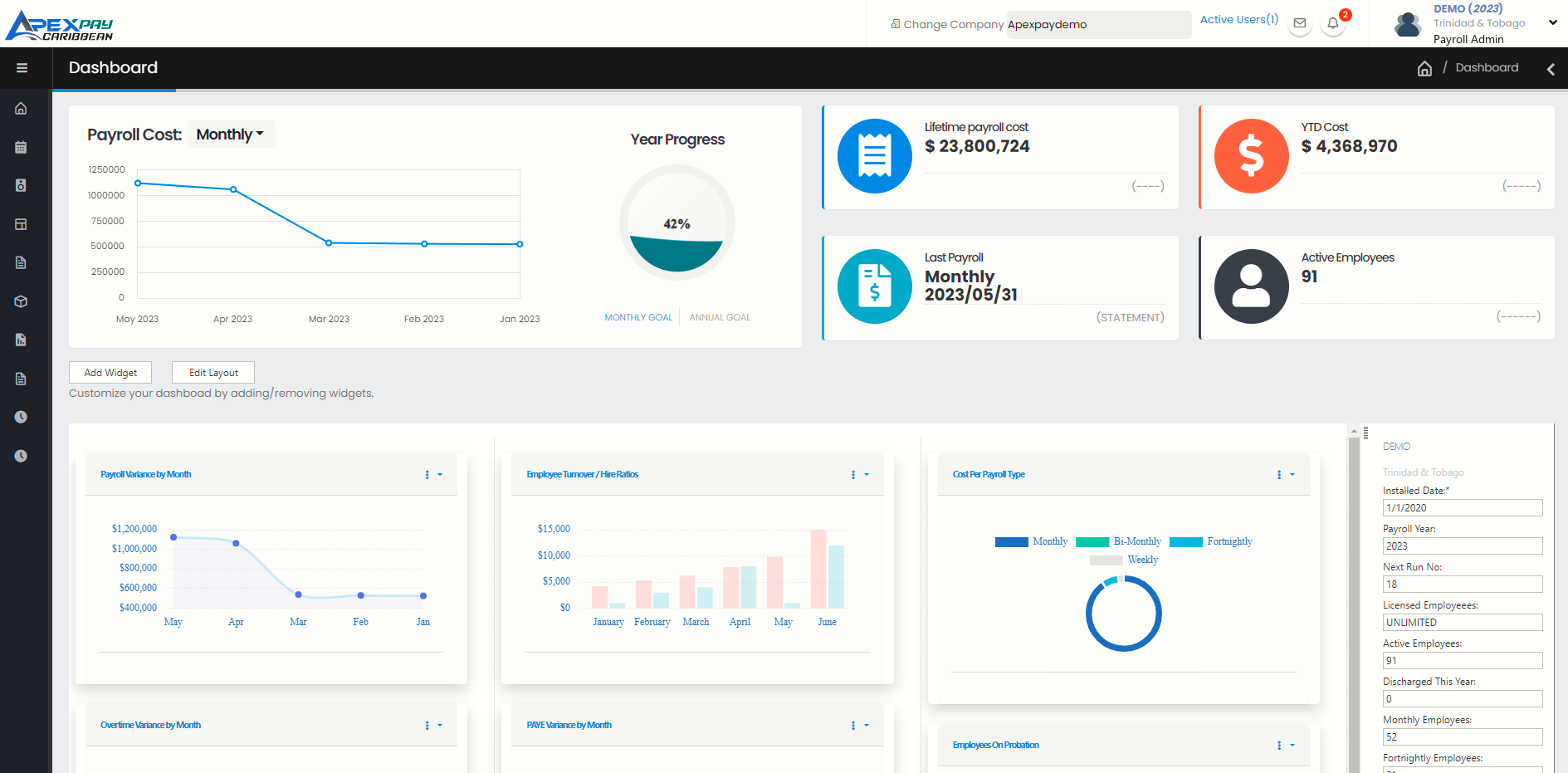
Built for local payroll rules
Bank files for Republic Bank · First Citizens · RBC Royal Bank · Scotiabank (standard and ACH) · CIBC FirstCaribbean · Citibank (local and USD) · JMMB / Intercommercial Bank · JMMB Moneyline · Eastern Credit Union
See T&T complianceThe platform
Every module shares the same employee record, so what happens in HR and on the timeclock flows straight into payroll.
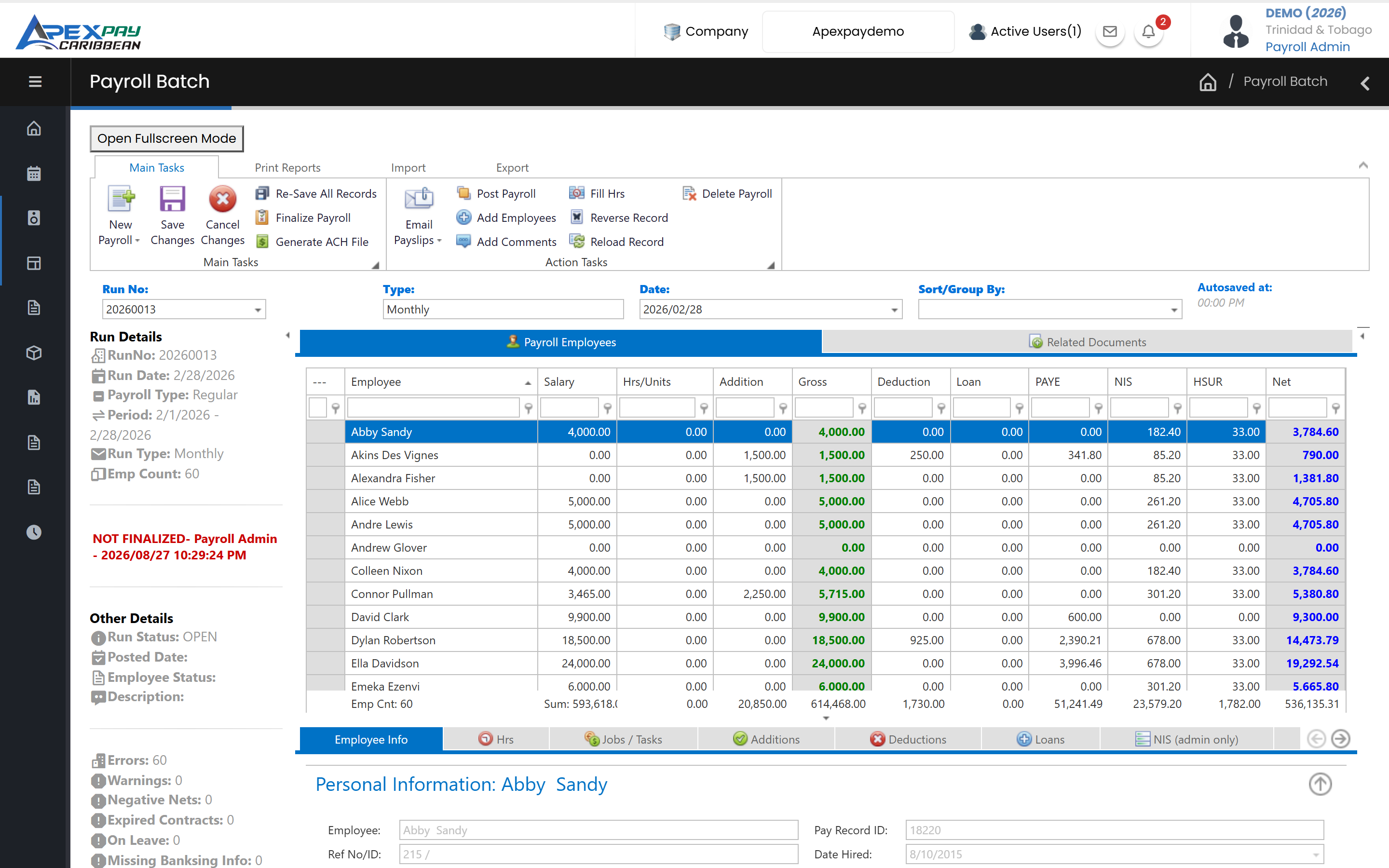
Calculate pay, PAYE, NIS and Health Surcharge, check every run before it is posted, and produce payslips, bank files and statutory forms.
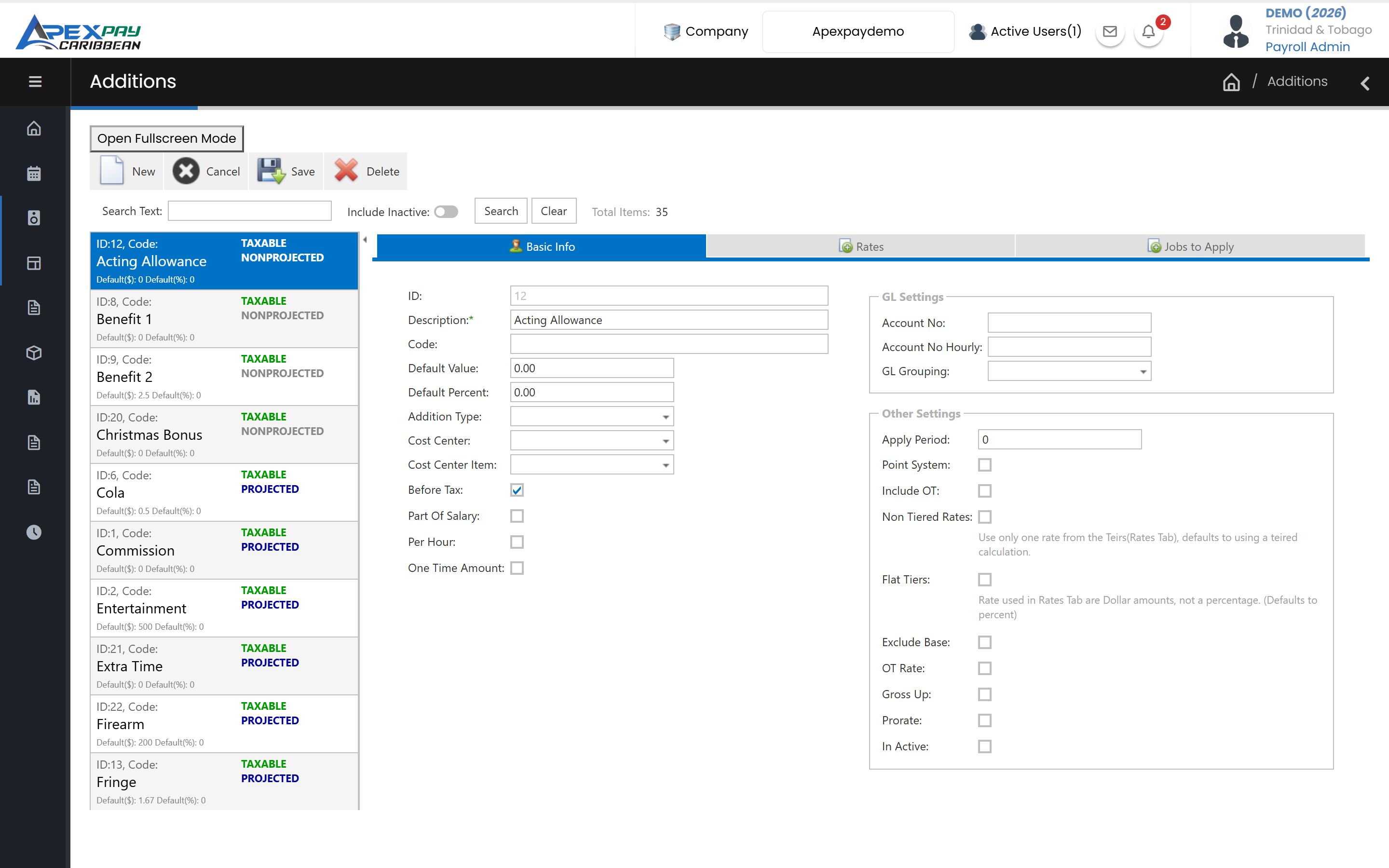
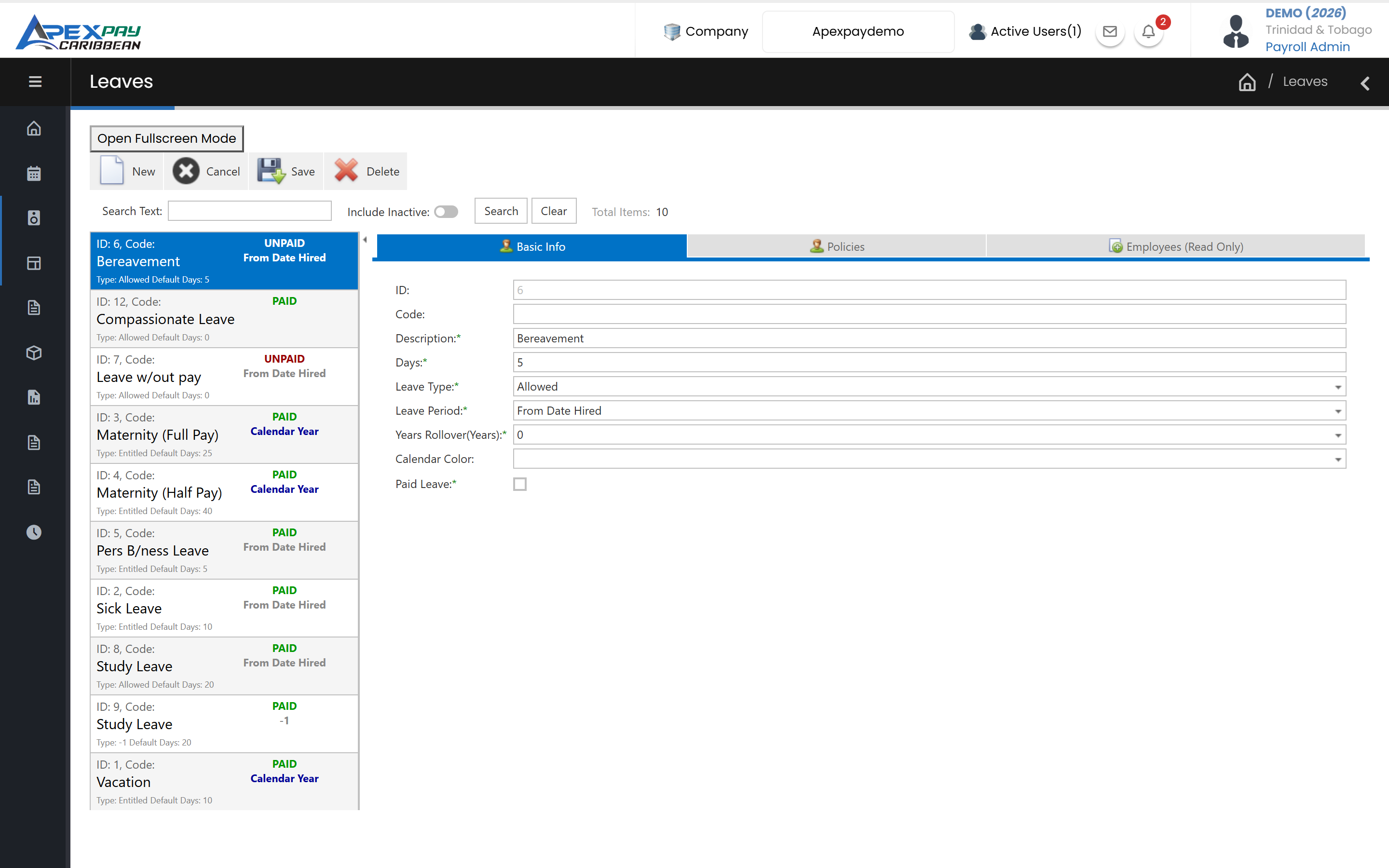
One employee file for HR and payroll, with employment history, contracts, documents and leave rules that match your policies.
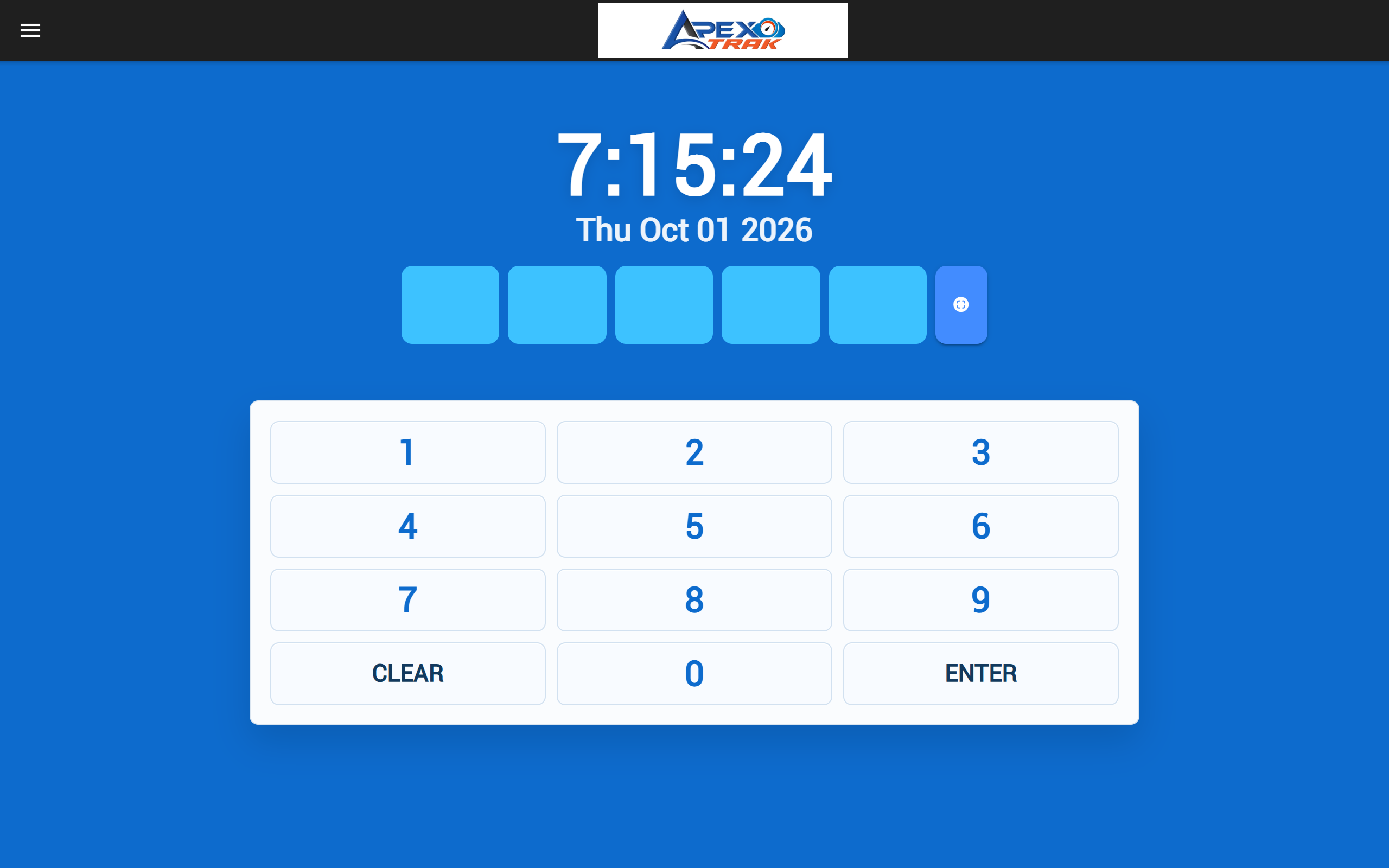
Capture time by face-recognition kiosk, QR or PIN, phone GPS or ZKTeco terminals, then turn punches into payroll hours automatically.
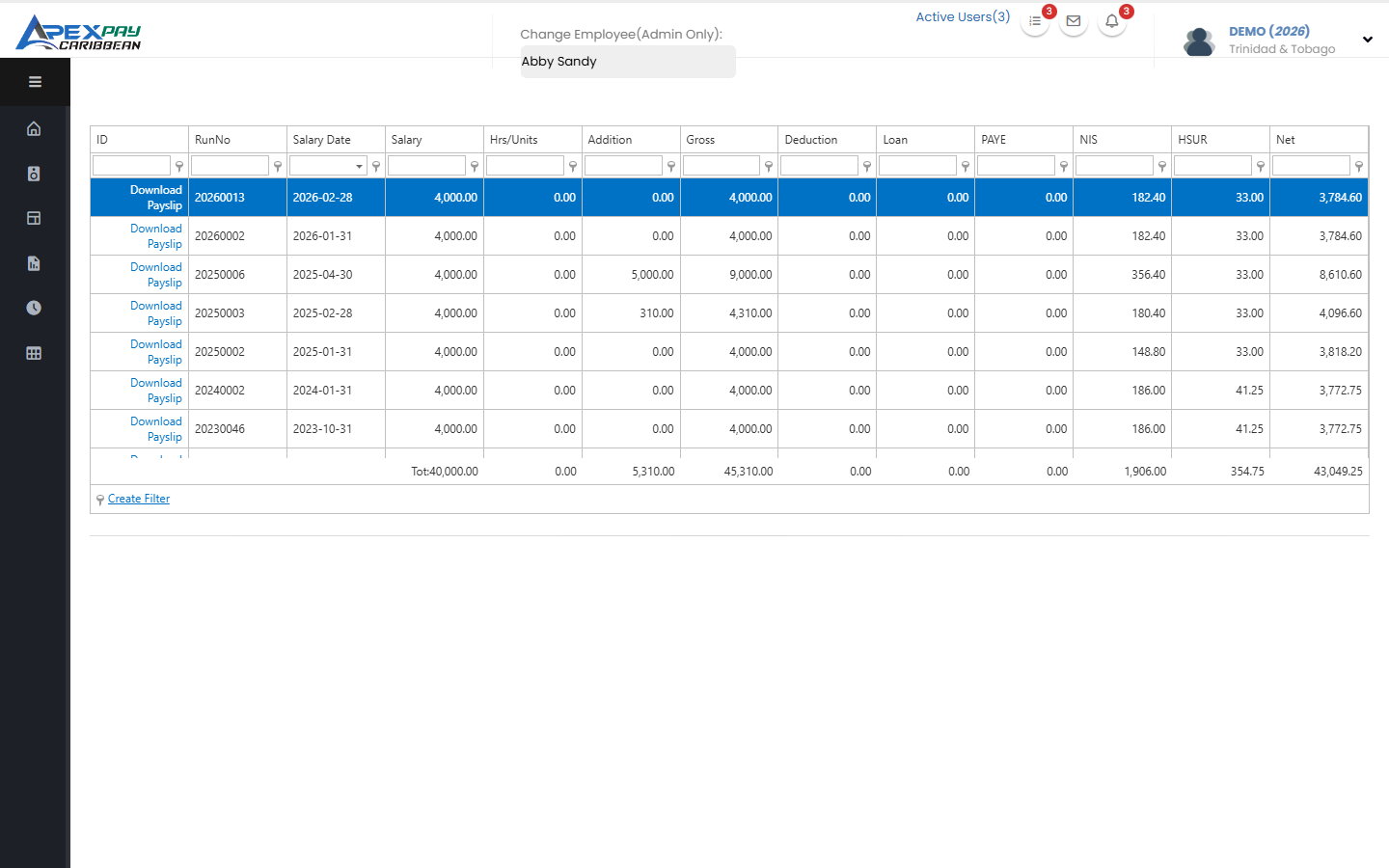
Employees view payslips and TD4s, check leave balances and request time off, on the web portal or the ApexTrak app.
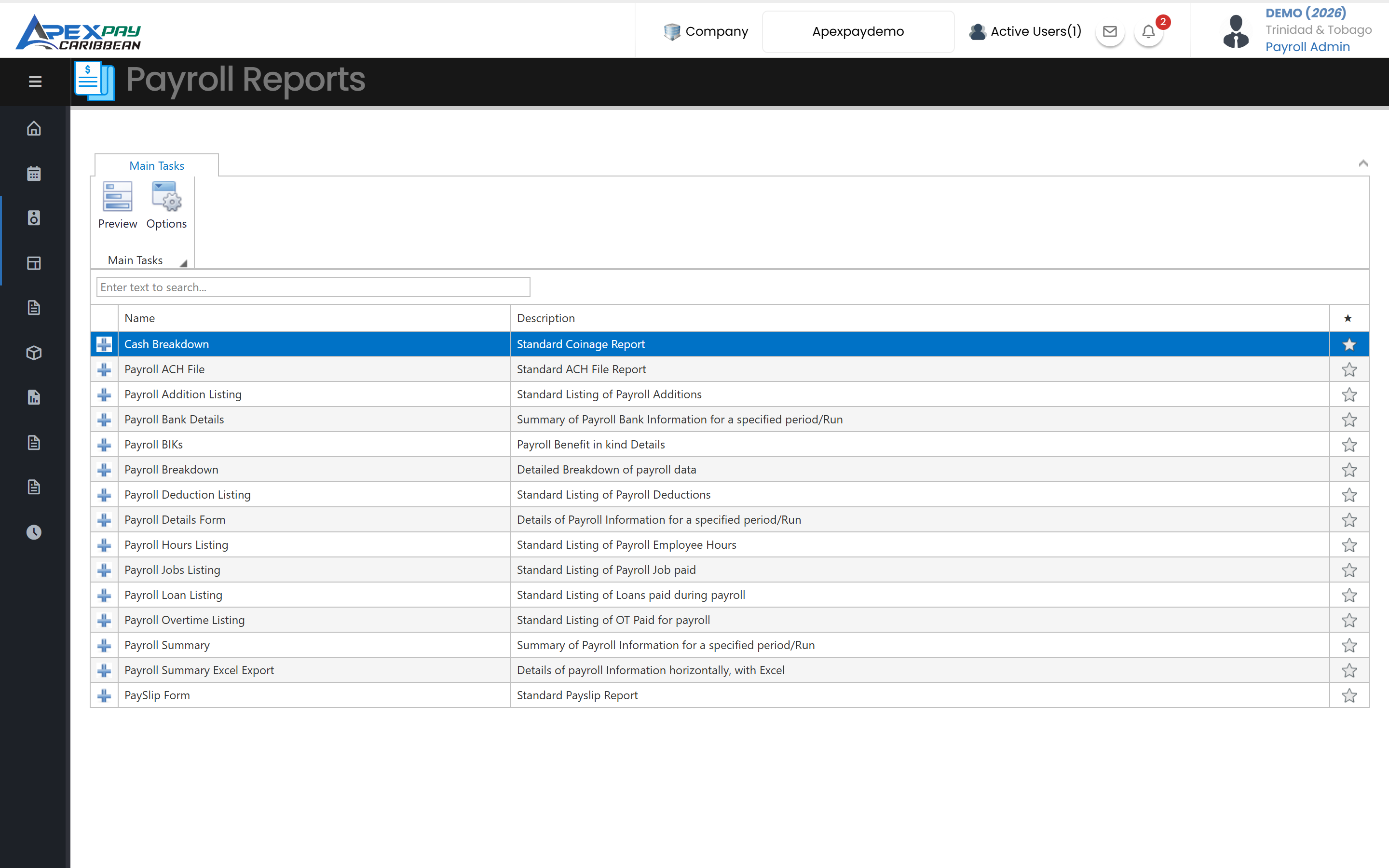
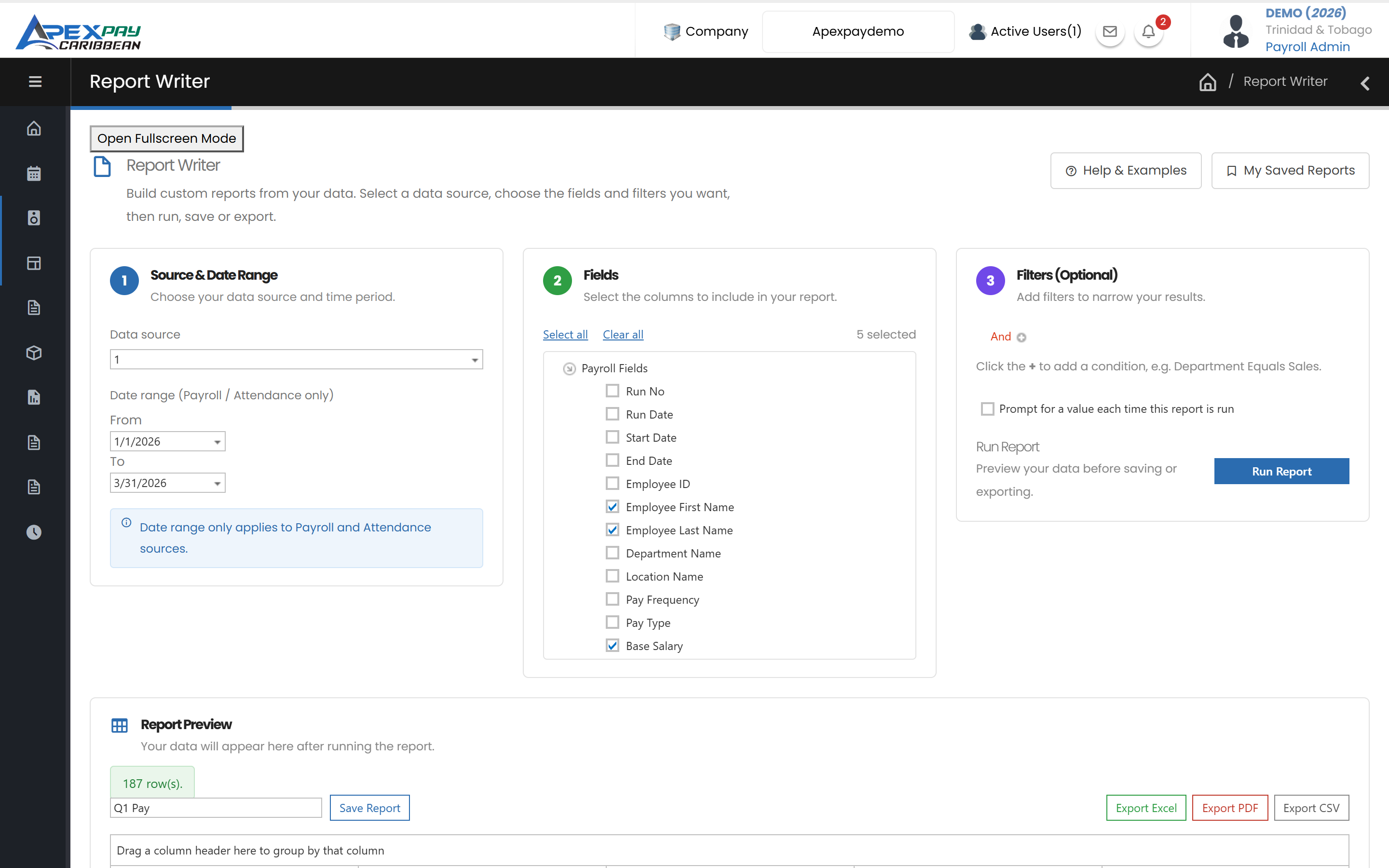
Statutory and management reports ready to run, plus Report Writer to build, save and export your own payroll, attendance and employee reports.
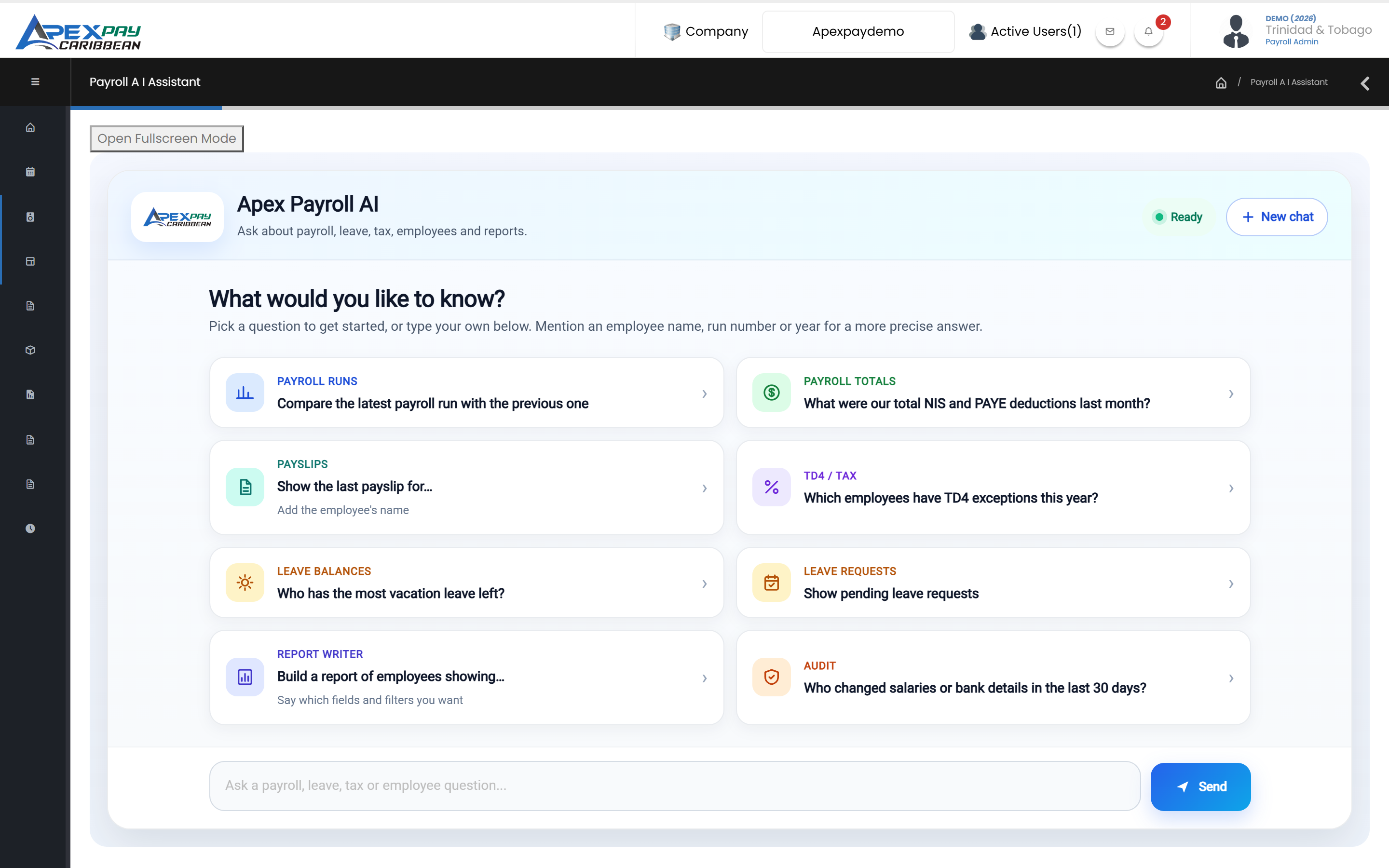
Ask payroll questions in plain English and get answers from your own ApexPay data.
Time & Attendance · ApexTrak
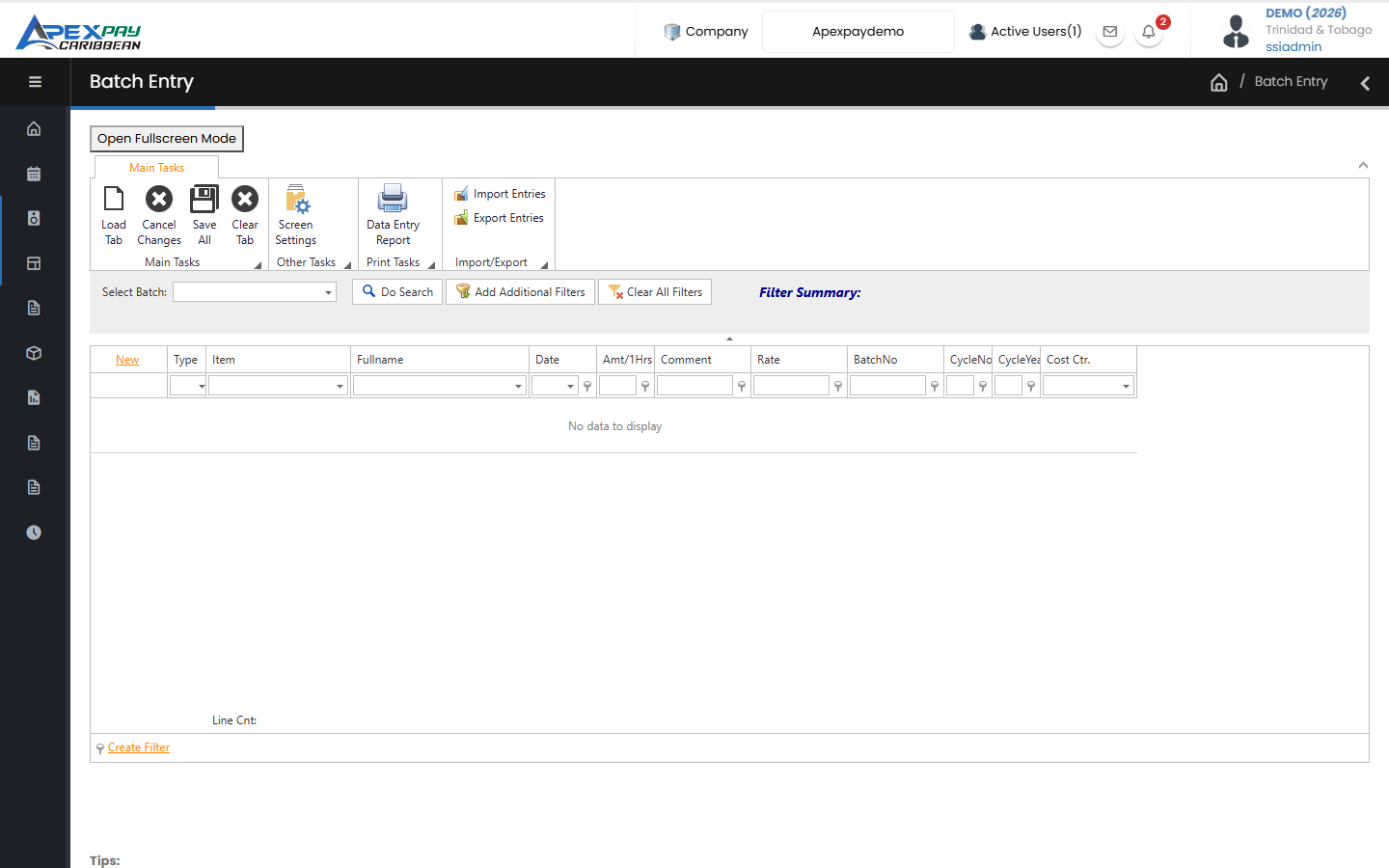
Employees clock in on a face-recognition kiosk, a QR or PIN kiosk, their phone with GPS, or ZKTeco biometric clocks. Your shift and overtime rules turn punches into regular, time-and-a-half, double and triple time — ready for the next payroll run, even when a site goes offline.
HR & self-service
Reporting & AI
Pick a data source, tick fields, filter and run — export to Excel, PDF or CSV and save it for next month.
Explore reporting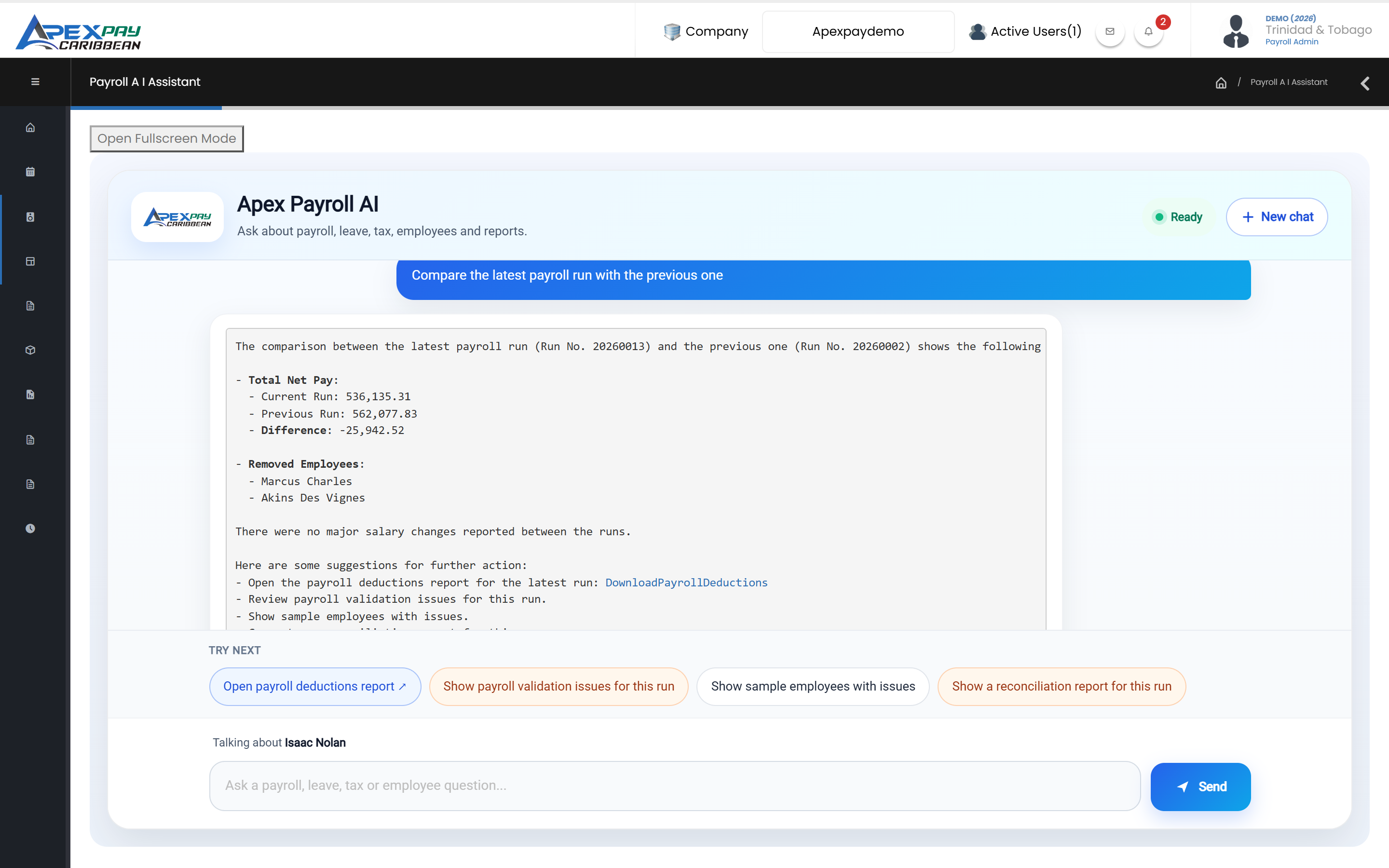
Ask “What were our NIS and PAYE totals last month?” and get an answer from your own ApexPay data.
See the AI AssistantSecurity & control
A one-time verification code by email at sign-in, with WhatsApp as an optional channel.
User groups control which screens and actions each user can access.
Limit a user to employees in specific departments, locations, pay groups or pay frequencies.
Employee and payroll changes are logged with before and after values, the user and the time.
Each client company's data is kept in its own database.
Download a password-protected, encrypted backup of your company data at any time.
Who we work with
Getting started
Your company is created and your employee data is imported from Excel templates.
Pay items, statutory settings and bank details are configured with you.
Your first pay run is processed together before you go live.
Trusted by Caribbean employers
ApexPay runs in your web browser, so there is nothing to install for payroll and HR users. Each client company gets its own sign-in address and its own database. The ApexTrak mobile and kiosk apps are installed on Android devices.
Yes. For Trinidad and Tobago, ApexPay calculates PAYE, NIS and Health Surcharge in every payroll run and produces the NI184 and NI187 forms, PAYE and Health Surcharge reports, and TD4 year-end certificates.
ApexPay creates direct-deposit files in the formats used by Republic Bank, First Citizens, RBC Royal Bank, Scotiabank, CIBC FirstCaribbean, Citibank, JMMB/Intercommercial and Eastern Credit Union. Talk to us if your bank isn't listed.
Yes. ApexPay exports the payroll journal as a file for QuickBooks, Peachtree, SAP or Excel, using the GL accounts you map to each pay item, department and cost centre.
You can use the ApexTrak kiosk app on a tablet or phone (face recognition, QR badge or PIN), the ApexTrak Employee app with GPS, or ZKTeco-compatible biometric terminals. You can also import device log files.
Our team sets up your company, imports your employees from Excel templates, configures your pay items and statutory settings with you, and runs your first payroll with you.
Tell us about your company and we'll arrange a demo.