
Payroll
Run a full T&T payroll — checked before it's posted.
Calculate PAYE, NIS and Health Surcharge, catch errors with automated checks, then produce payslips, bank files and statutory forms from the same run.
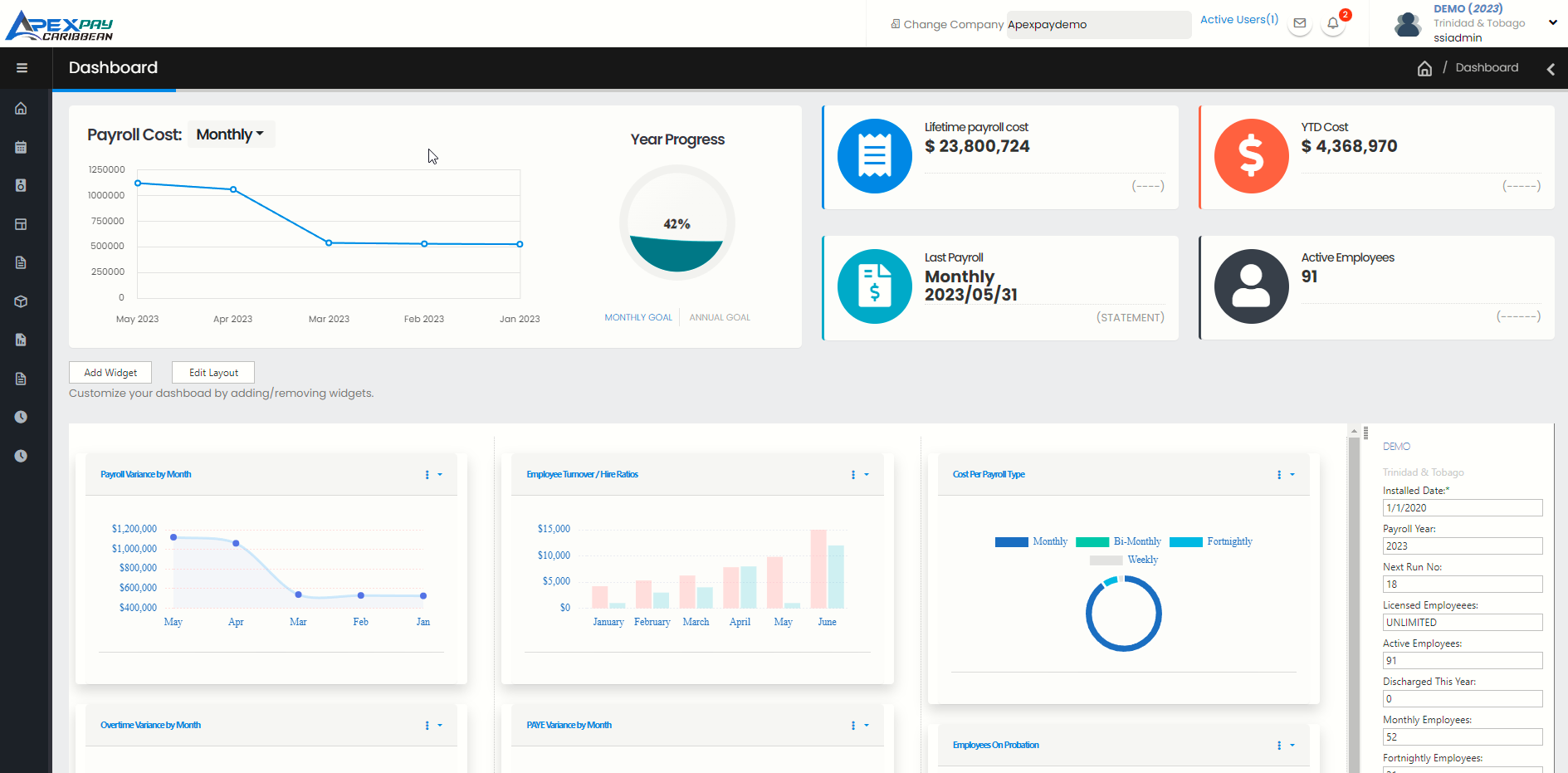
Every pay run, step by step
Set up, enter or import, finalize with automated checks, then post and pay.
Weekly to monthly payrolls
Run weekly, fortnightly, bi-monthly or monthly payrolls, including fortnightly payrolls processed in weekly mode for weekly statutory calculations.
Regular, bonus, severance and final-pay runs
Create additional runs in a period for bonuses and commissions, severance payments and discharged employees.
Fast data entry and Excel round trip
Enter hours and pay items in batch grids or one employee at a time with several users working on the same run, or export the run to Excel, edit and re-import.
Automated checks before posting
Finalize Payroll runs automated reconciliation checks — bank amounts against net pay, NIS against the NI184 figures, and pay-item detail against run totals — so problems are caught before money moves.
Posted runs are locked
Posting a payroll locks it from edits and updates year-to-date totals, loan balances, leave accruals and deduction arrears. Deleting a run requires a company authorisation code.
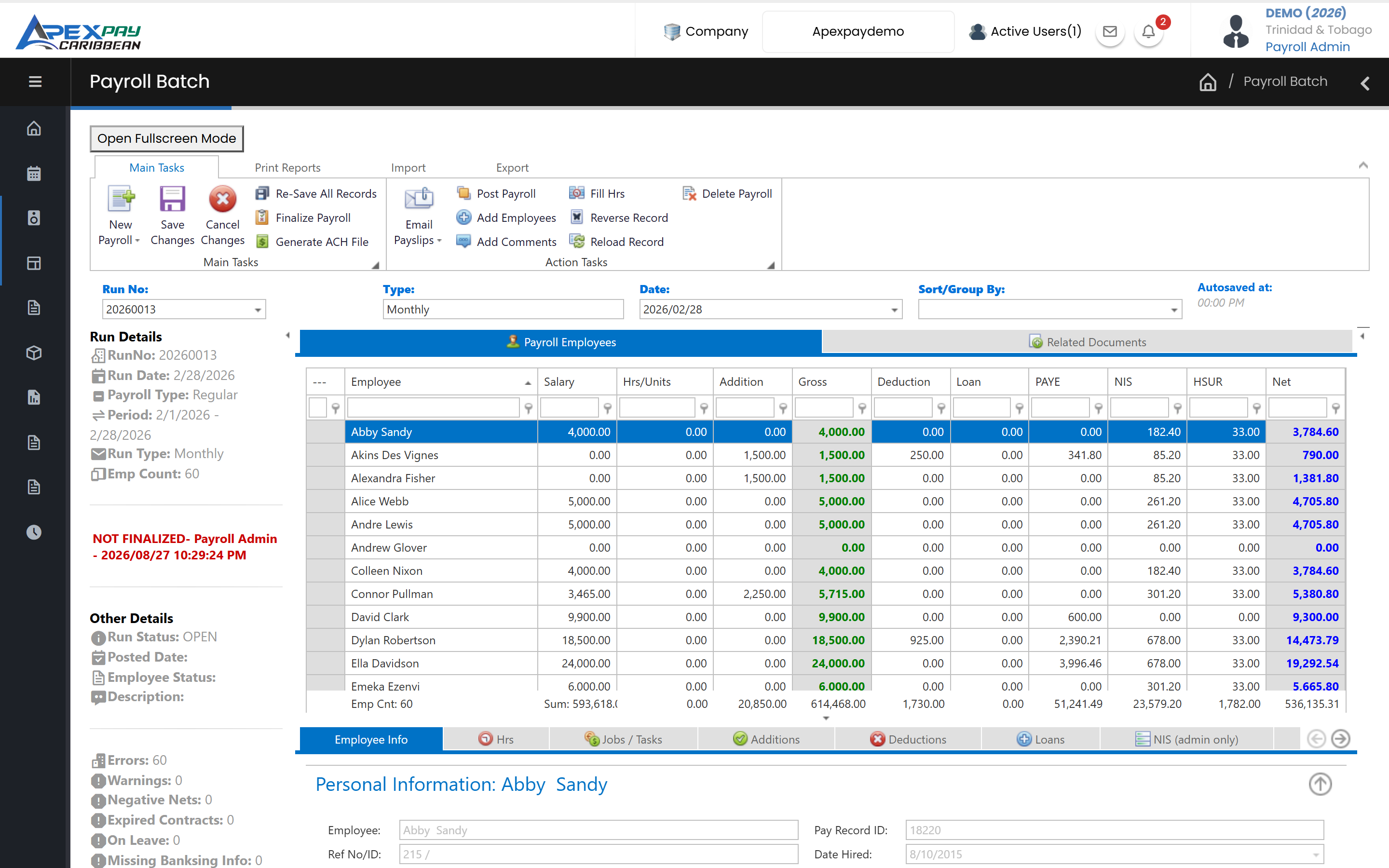
Flexible pay items
Earnings, deductions, loans and benefits configured the way your company pays.
Earnings and allowances your way
Unlimited additions: taxable or non-taxable, recurring or one-time, fixed, percentage or per hour, with overtime inclusion, gross-up, proration and tiered rates such as commission by wage band.
Deductions with employer contributions
Regular, third-party, medical plan and pension deductions, pre-tax where required, with employee and employer amounts or percentages and GL mapping.
Employee loans
Set up loan types, deduct repayments each payroll and keep balances up to date automatically when the payroll is posted.
Benefits in kind
Record taxable benefits such as vehicles and housing so they are included in the PAYE calculation.
Hourly, daily and piece-rate work
Pay by job or task — hourly, daily or piece rate — with overtime, leave and public-holiday job types and rates by wage band.
Automatic retro pay
Back-dated salary and pay-item changes automatically create retroactive amounts in the next payroll.
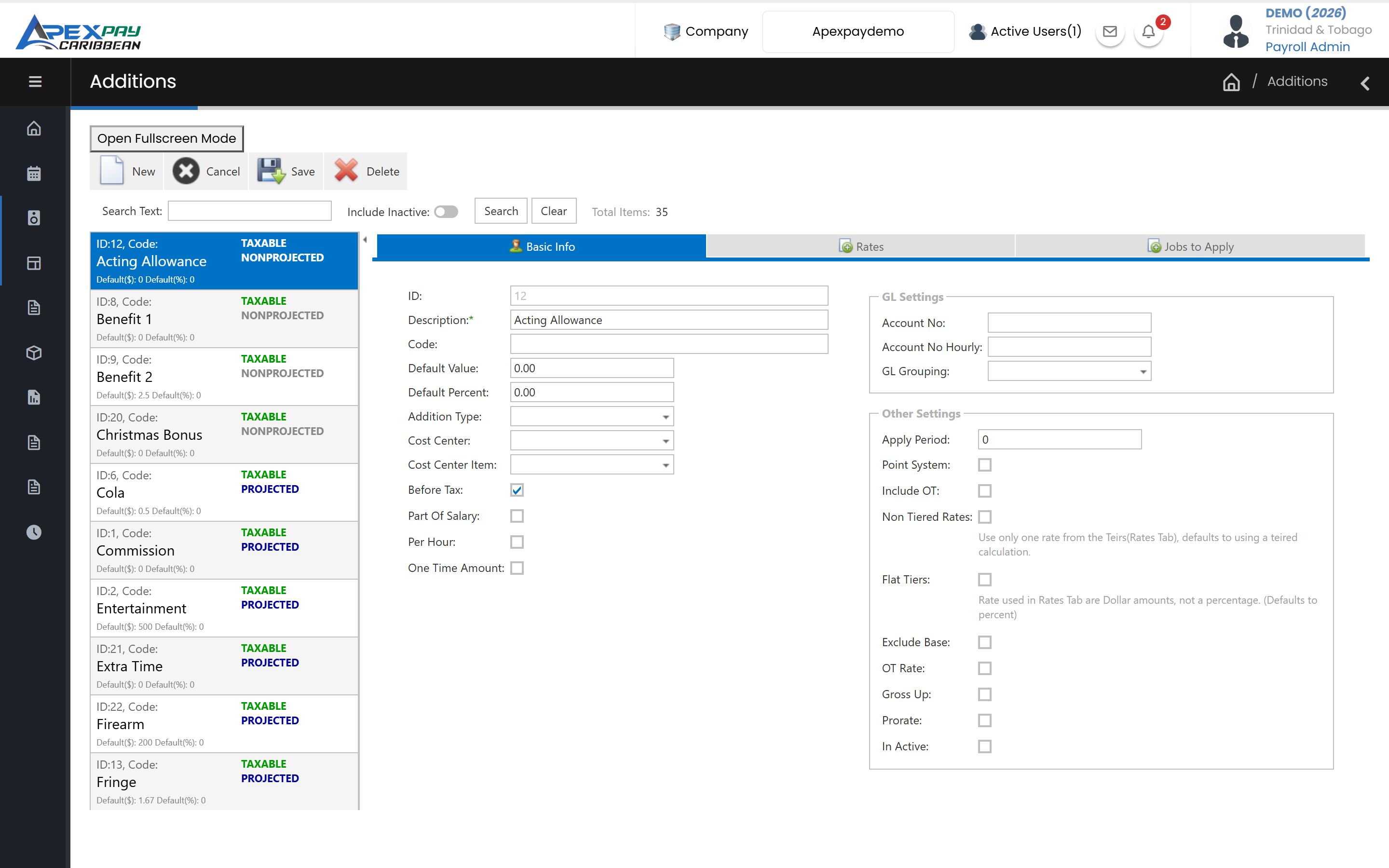
Statutory deductions and forms
Local statutory rules built into the calculation and the reports.
PAYE, NIS and Health Surcharge
Trinidad and Tobago PAYE with personal allowances and reliefs, NIS based on the weekly earnings classes (including over-age rules), and Health Surcharge, calculated in every run.
Statutory rates maintained for you
SSI updates PAYE, NIS and Health Surcharge tables when the rules change, so there is nothing for your team to set up.
NI184, NI187, PAYE/HSUR and TD4 forms
Produce the NI184 and NI187 forms, NIS reports and termination certificates, PAYE and Health Surcharge reports, and TD4 certificates (including severance TD4s).
Maternity pay calculator
Compare the employer's payroll portion with the NIB maternity benefit for an employee's leave period.
Guided year-end
Year End Close warns about unposted runs, summarises the year and rolls holidays forward; TD4 Maintenance lets you correct year-to-date values before printing TD4s.
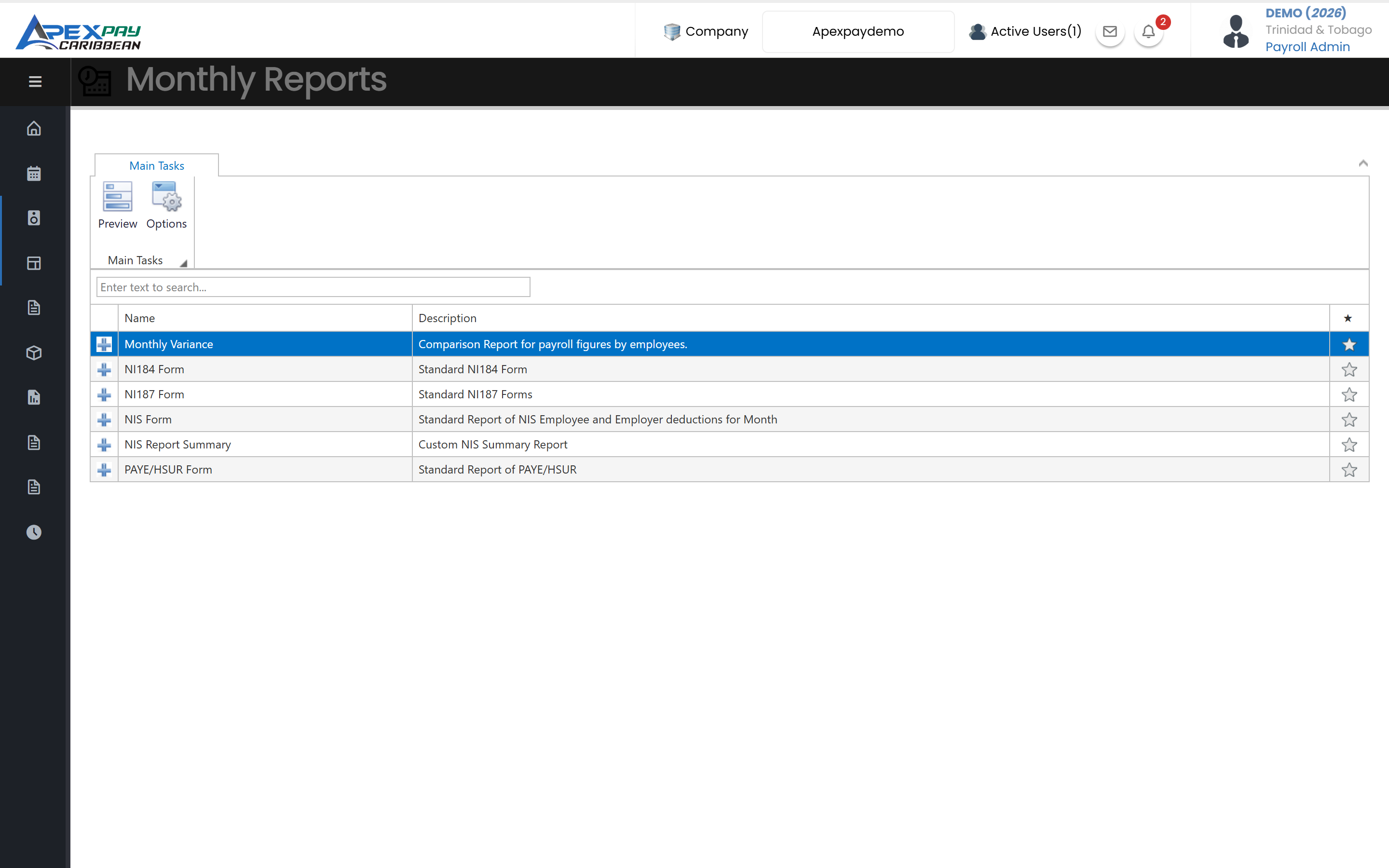
Payslips, payments and accounting
Pay employees and hand clean numbers to finance.
Payslips by email, portal or print
Email payslips in bulk with optional per-employee PDF passwords and delivery tracking, publish them to the employee portal and app, or print them. Custom payslip layouts are available.
Bank payment files for local banks
Generate direct-deposit files in each bank's own format, ready to upload to online banking.
Split pay across accounts
Pay an employee's net into a main account with fixed amounts or percentages to other accounts, and handle cash pay with a notes-and-coins breakdown.
Journal exports for your accounting system
Export the payroll journal to QuickBooks, Peachtree (Sage 50), Sage 300 (AccPac), SAP, SunPlus, Microsoft Dynamics GP and SL, CSV or Excel, with GL accounts mapped per pay item, department and cost centre.
Departments, locations and cost centres
Break payroll down by department, location and cost centre, split employees across cost centres by percentage, and report job costs.
Bank files for
Control and visibility
Know who changed what, and plan with confidence.
Audit trail of payroll changes
See who added, changed or deleted payroll and employee data, with before and after values, and run audit reports.
Net and gross pay calculators
Work out net pay from gross, or the gross needed for a target net, with the statutory deductions shown.
Several companies, one login
Switch between the companies in your group without signing out; each company keeps its own database.
Hours straight from the timeclock
Load attendance hours for a date range into a new payroll run, already split into regular and overtime buckets.
Built for Trinidad and Tobago
PAYE, NIS, Health Surcharge, NI184/NI187 and TD4 — see exactly what ApexPay handles.
Works together with
Time & Attendance
Capture time by face-recognition kiosk, QR or PIN, phone GPS or ZKTeco terminals, then turn punches into payroll hours automatically.
Learn moreReporting & Report Writer
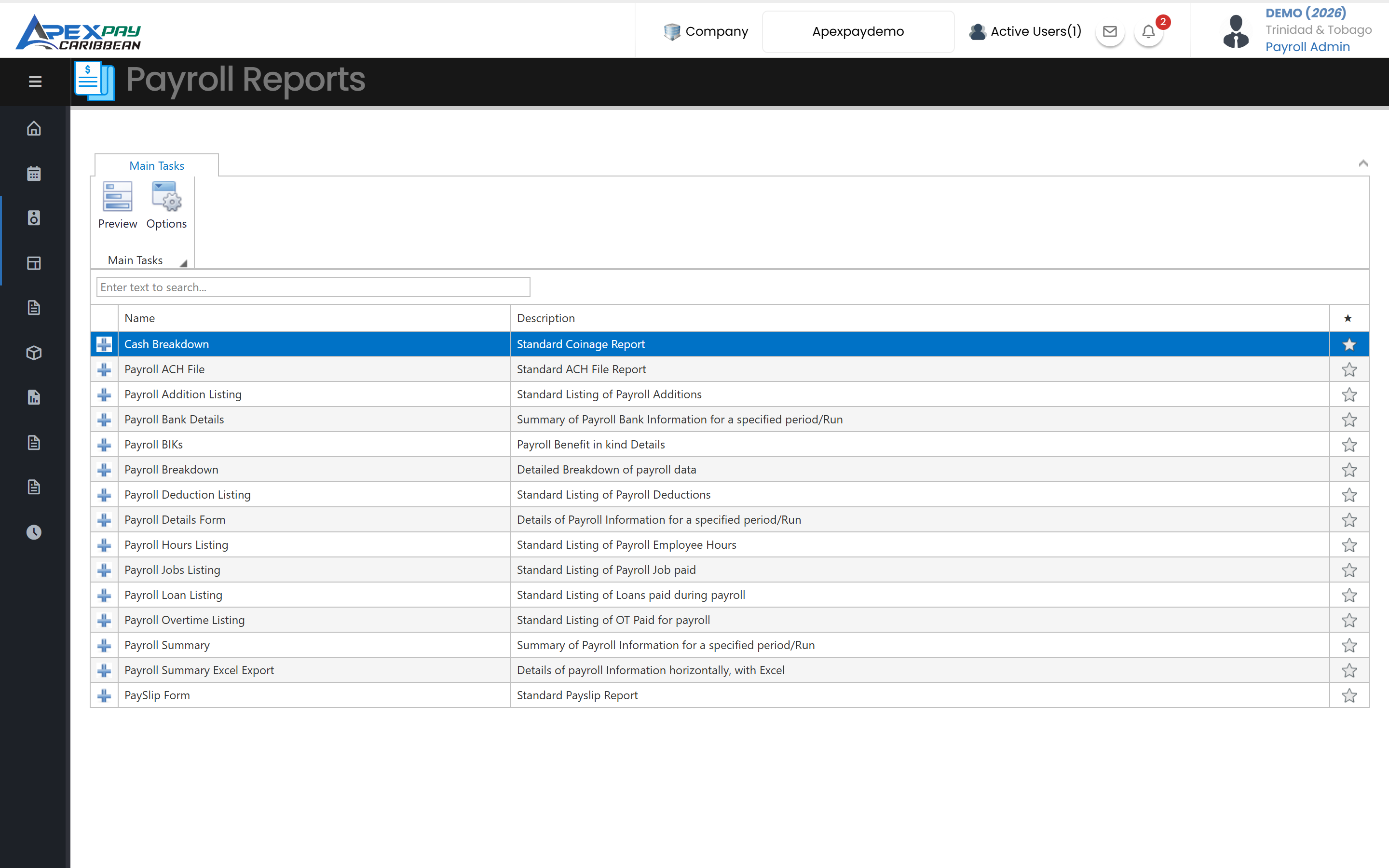
Statutory and management reports ready to run, plus Report Writer to build, save and export your own payroll, attendance and employee reports.
Learn moreSelf-Service & Mobile
Employees view payslips and TD4s, check leave balances and request time off, on the web portal or the ApexTrak app.
Learn moreFrequently asked questions
Does ApexPay handle NIS, PAYE and Health Surcharge?
Yes. For Trinidad and Tobago, ApexPay calculates PAYE, NIS and Health Surcharge in every payroll run and produces the NI184 and NI187 forms, PAYE and Health Surcharge reports, and TD4 year-end certificates.
Which banks can we pay employees through?
ApexPay creates direct-deposit files in the formats used by Republic Bank, First Citizens, RBC Royal Bank, Scotiabank, CIBC FirstCaribbean, Citibank, JMMB/Intercommercial and Eastern Credit Union. Talk to us if your bank isn't listed.
Can we export payroll to QuickBooks or our accounting system?
Yes. ApexPay exports the payroll journal as a file for QuickBooks, Peachtree, SAP or Excel, using the GL accounts you map to each pay item, department and cost centre.
Who keeps the statutory rates up to date?
We do. SSI updates the PAYE, NIS and Health Surcharge tables in ApexPay when the rules change, so there is nothing for your team to set up.
See ApexPay with your own payroll scenario.
Tell us about your company and we'll arrange a demo.